shiftCfnfn⌘
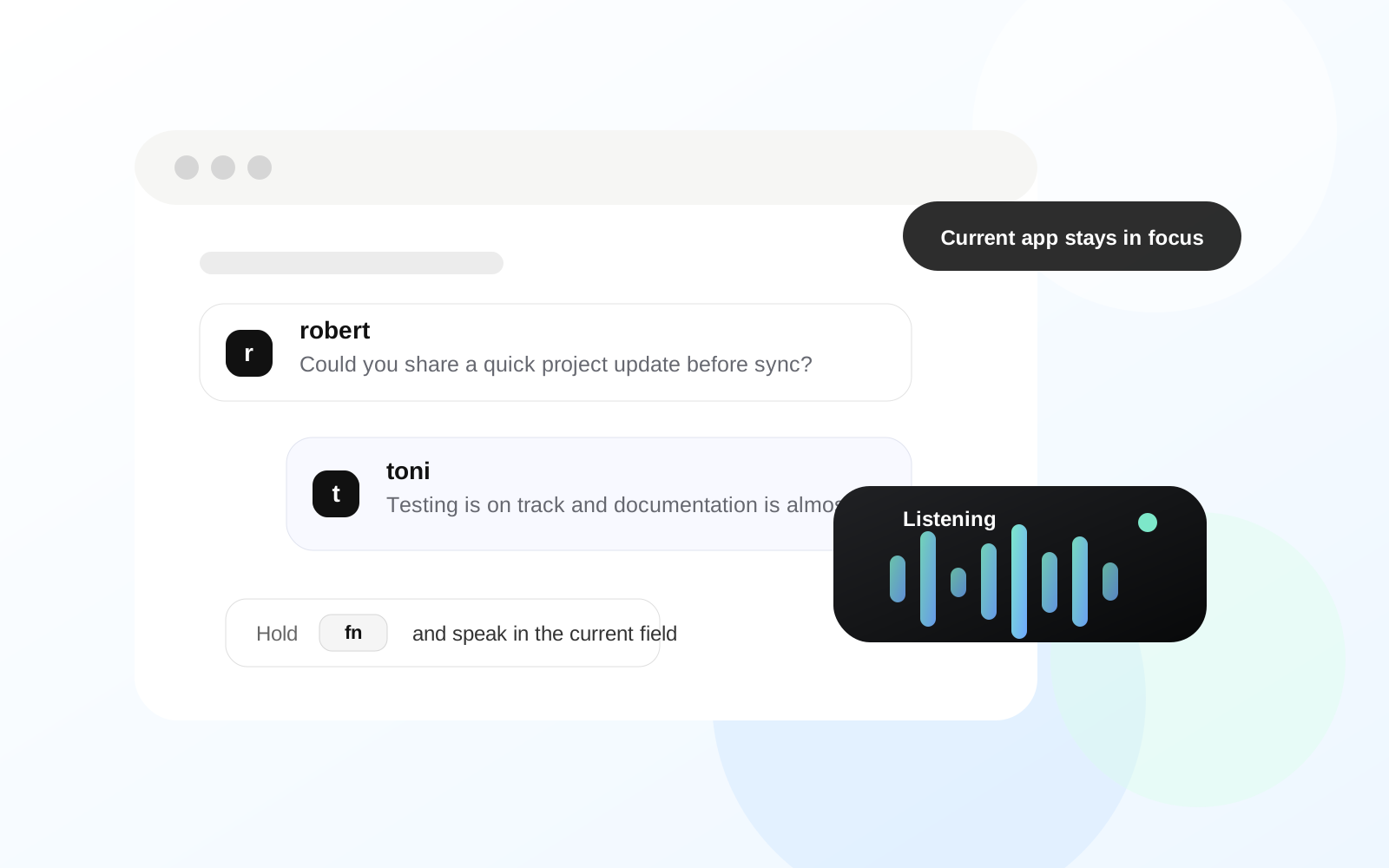
1. Shortcut दबाएं
अलग workspace खोले बिना macOS से voice input शुरू करें।
WhisperInput आपकी आवाज़ को जहाँ भी आप लिखते हैं, वहाँ परिष्कृत टेक्स्ट में बदल देता है। संदेश, ईमेल और दस्तावेज़ रीयल टाइम में बोलकर लिखें, टाइपिंग से 4 गुना तक तेज़।
यह कैसे काम करता है
Flow जानबूझकर simple है: macOS से start करें, naturally बोलें, और active app में काम करते रहें।
अलग workspace खोले बिना macOS से voice input शुरू करें।
जिस app को आप पहले से use करते हैं उसमें रहते हुए current text field में बोलें।
Text active app में दिखाई देता है ताकि email, chat, docs और notes एक ही flow में रहें।
Desktop-first flow
WhisperInput.ai अभी macOS के लिए बनाया गया है, ताकि product desktop work के तरीके के करीब रह सके।
Desktop-first
Companion site
Simple setup
Cross-app use
Multilingual voice input
उसी macOS text fields में रहते हुए languages में dictate करें: messages, notes, documents और prompts।
Daily work के लिए बनाया गया
Keyboard धीमा करे तो typing load कम करें।
Concentration तोड़े बिना ideas, drafts और notes capture करें।
Daily communication में replies और follow-ups से तेज़ी से गुजरें।
Prompts, tickets, specs और project notes के लिए voice input use करें।
Updates, status notes और planning docs को कम friction के साथ handle करें।
अपने Mac apps में notes लें और assignments draft करें, तेज़ी से।
लोग सबसे पहले क्या notice करते हैं

“WhisperInput.ai quick updates को हल्का महसूस कराता है। मैं current app open रख सकता हूँ, note बोल सकता हूँ, और आगे बढ़ सकता हूँ।”

“Shortcut-first flow ही इसे टिकाऊ बनाता है। यह किसी और writing workspace की तरह नहीं, बल्कि Mac utility जैसा लगता है।”

“जब typing conversation को slow कर देती, तब मैं इसे support replies और internal notes के लिए use करता हूँ।”

“Specs, prompts और task notes के लिए voice input मुझे tools के बीच jump किए बिना flow में रखता है।”
Workflow examples
Teams
Builders
Communication
Knowledge work
Prompting और drafting
जब आप Mac पर AI tools, writing surfaces और desktop apps के बीच काम कर रहे हों, तो अपने thoughts कम friction के साथ बोलें।
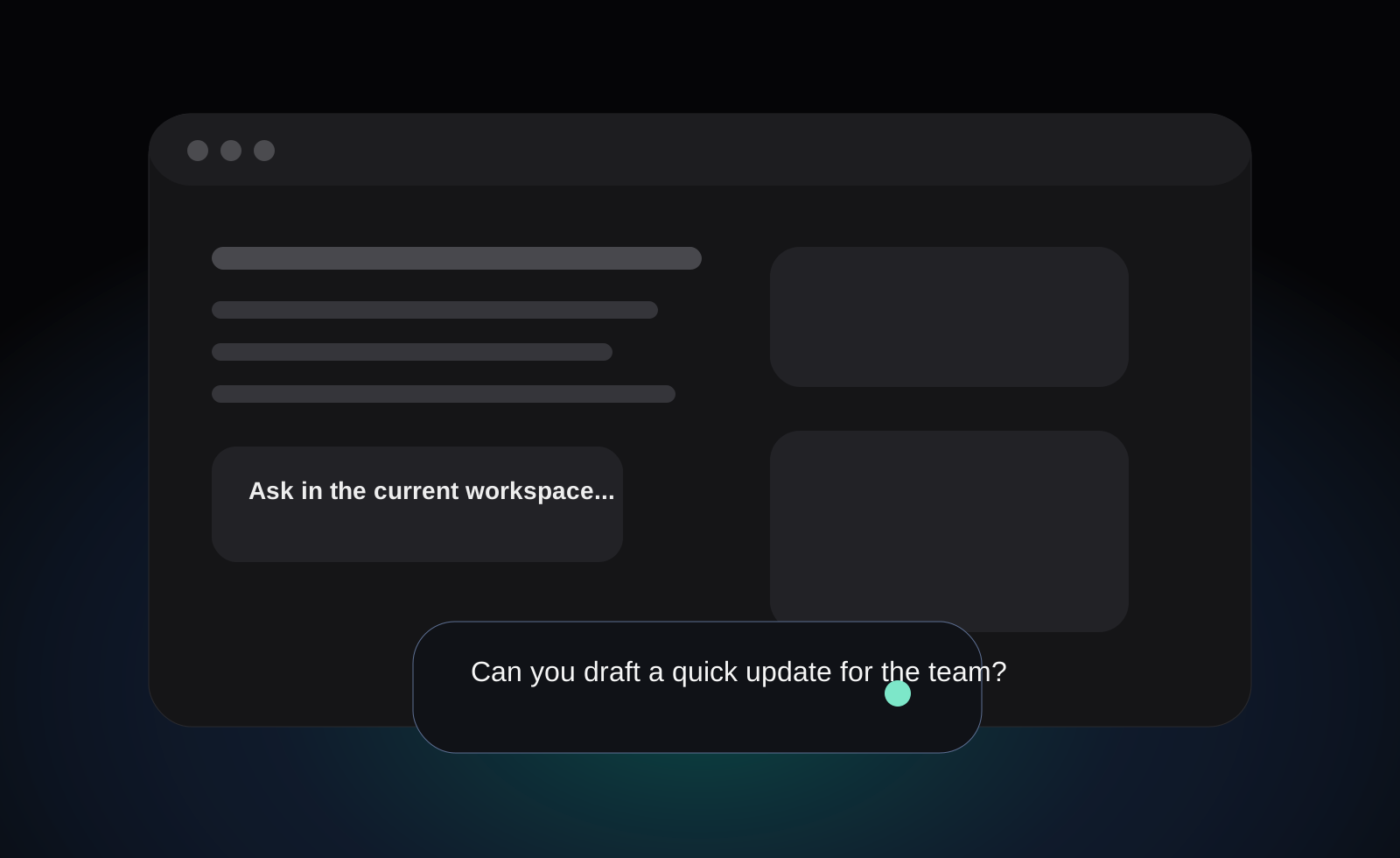
macOS के लिए premium AI dictation app जो आपको स्वाभाविक रूप से बोलने और desktop apps में text enter करने देता है।
Current release macOS के लिए है। यह shortcut-first desktop workflow, microphone permissions, accessibility permissions और active text fields के आसपास design किया गया है।
WhisperInput.ai उन Mac text fields के लिए बनाया गया है जिन्हें आप पहले से इस्तेमाल करते हैं, जैसे email, chat, documents, notes, browsers और coding tools।
हाँ। WhisperInput.ai common global writing workflows में multilingual voice input के लिए design किया गया है।
Website macOS app के लिए product discovery, download handoff, account access, pricing, billing, FAQ और support handle करती है।